discover · compare · collections · requirements · contribute · feed · watching · stats · help with your tokens
djylb/nps · source
Snapshot 0 · 2026-11-04T12:47:27Z · Go · GPL-3.0
Content fingerprint
c68c4a233dd4b4bd95141051aa67d633f86a184a54287fea29629933e6b338a0GitHub description at capture
NPS Enhanced — Lightweight intranet tunneling and reverse proxy with Web UI | NPS 内网穿透 反向代理 增强版 全修 新版 二开
README at capture
# NPS Enhanced An enhanced and actively maintained NAT traversal and reverse proxy system with Web UI. [](https://github.com/djylb/nps) [](https://github.com/djylb/nps) [](https://github.com/djylb/nps/actions) [](https://github.com/djylb/nps/releases) > ⭐️ Give us a star on [GitHub](https://github.com/djylb/nps) if you like it! - [中文文档](https://github.com/djylb/nps/blob/master/README_zh.md) --- ## Introduction NPS is a lightweight and efficient NAT traversal and reverse proxy system for exposing services behind NAT or firewalls. It supports multiple protocols such as TCP, UDP, HTTP, HTTPS, and SOCKS5, and provides a Web management interface for convenient deployment and monitoring. Based on the original [NPS](https://github.com/ehang-io/nps) project, **NPS Enhanced** has evolved into an actively maintained and extensively improved edition with continuous refactoring, better stability, and many practical enhancements for modern deployment scenarios. - **Before asking questions, please check:** [Documentation](https://d-jy.net/docs/nps/) and [Issues](https://github.com/djylb/nps/issues) - **Contributions welcome:** Submit PRs, feedback, or suggestions to help improve the project - **Join the discussion:** Connect with other users in our [Telegram Group](https://t.me/npsdev) - **Android:** [djylb/npsclient](https://github.com/djylb/npsclient) - **OpenWrt:** [djylb/nps-openwrt](https://github.com/djylb/nps-openwrt) - **Mirror:** [djylb/nps-mirror](https://github.com/djylb/nps-mirror) 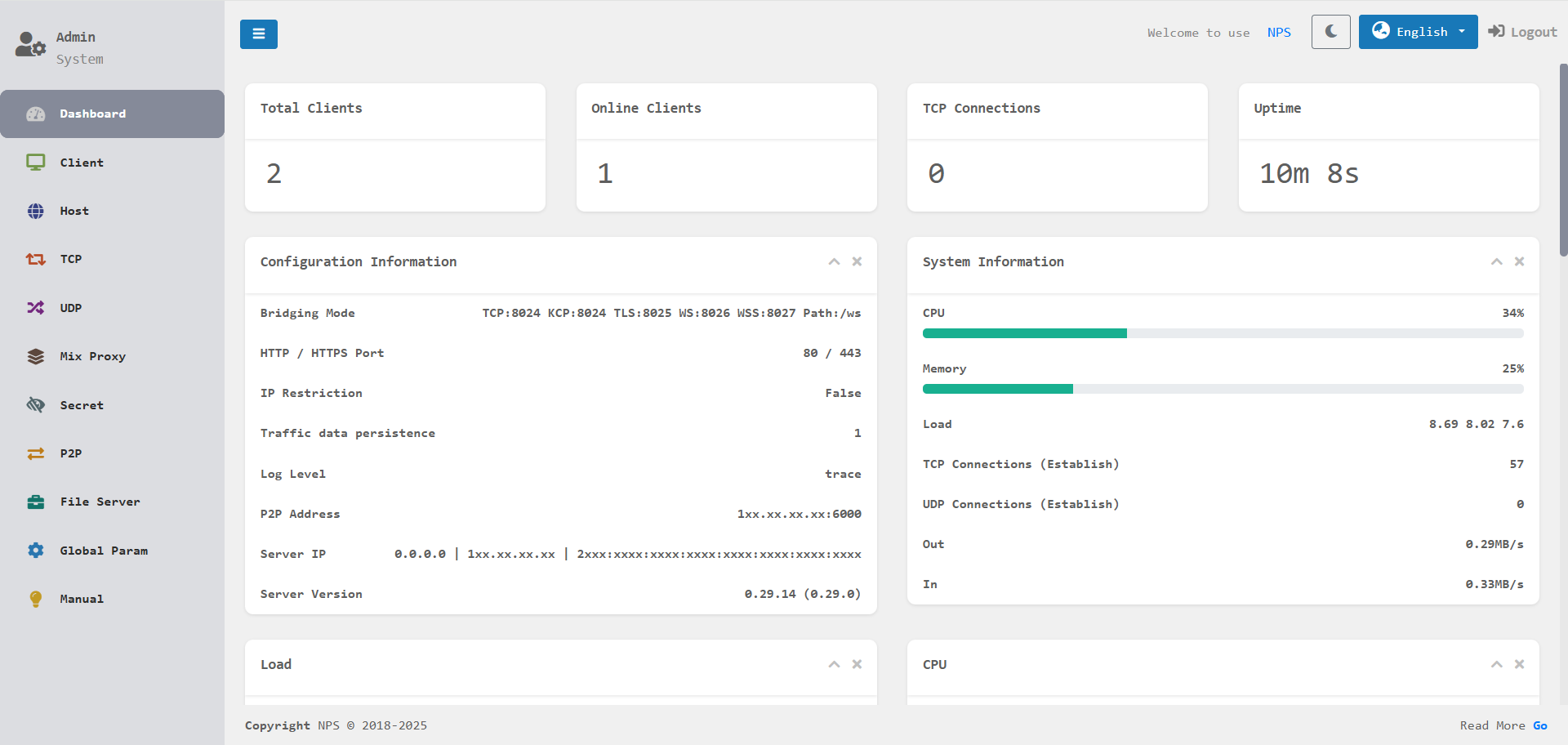 --- ## Why NPS Enhanced - **Easy to install** Provides simple deployment methods for Docker, Linux, and Windows, making setup and updates straightforward. - **Lightweight and efficient** Designed to stay lightweight while delivering strong performance for daily NAT traversal and reverse proxy usage. - **Easy to manage** Comes with a Web UI for configuration, monitoring, and routine management, reducing deployment and maintenance complexity. - **Powerful and flexible** Supports multiple proxy types, transport protocols, and practical features for a wide range of private-network access scenarios. --- ## Key Features - **Multi-Protocol Support** Supports TCP/UDP forwarding, HTTP/HTTPS reverse proxy, HTTP/SOCKS5 proxy, P2P mode, Proxy Protocol support, HTTP/3 support, and more for different private-network access scenarios. - **Cross-Platform Deployment** Compatible with major platforms such as Linux and Windows, and can be easily installed as a system service. - **Web Management Interface** Provides real-time monitoring of traffic, connection status, and client states with an intuitive and user-friendly interface. - **Security and Extensibility** Built-in features such as encrypted transmission, traffic limiting, access expiration controls, certificate management, and certificate renewal help improve security and manageability. - **Multiple Connection Protocols** Supports connecting to the server using TCP, KCP, TLS, QUIC, WS, and WSS protocols. --- ## Installation and Usage For more detailed configuration options, please refer to the [Documentation](https://d-jy.net/docs/nps/). ### [Android](https://github.com/djylb/npsclient) | [OpenWrt](https://github.com/djylb/nps-openwrt) ### Docker Deployment **DockerHub:** [NPS](https://hub.docker.com/r/duan2001/nps) | [NPC](https://hub.docker.com/r/duan2001/npc) **GHCR:** [NPS](https://github.com/djylb/nps/pkgs/container/nps) | [NPC](https://github.com/djylb/nps/pkgs/container/npc) > If you need to obtain the real client IP, you can use it together with [mmproxy](https://github.com/djylb/mmproxy-docker). For example: SSH. #### NPS Server ```bash docker pull duan2001/nps docker run -d --restart=always --name nps --net=host -v $(pwd)/conf:/conf -v /etc/localtime:/etc/localtime:ro duan2001/nps ``` > **Tip:** After installing NPS, edit `nps.conf` (for example: listening ports and Web admin credentials) before starting the service. #### NPC Client ```bash docker pull duan2001/npc docker run -d --restart=always --name npc --net=host duan2001/npc -server=xxx:123,yyy:456 -vkey=key1,key2 -type=tls,tcp -log=off ``` > **Tip:** Get `-server`, `-vkey`, and `-type` from the client page in the NPS Web UI to avoid manual input mistakes. ### Server Installation #### Linux ```bash # Install (default configuration path: /etc/nps/; binary file path: /usr/bin/) wget -qO- https://raw.githubusercontent.com/djylb/nps/refs/heads/master/install.sh | sudo sh -s nps nps install nps start|stop|restart|uninstall # Update nps update nps update-force ``` > **Tip:** For first-time setup, edit `/etc/nps/nps.conf` and verify it before running `nps start`. #### Windows > Windows 7 users should use the version ending with old: [64](https://github.com/djylb/nps/releases/latest/download/windows_amd64_server_old.tar.gz) / [32](https://github.com/djylb/nps/releases/latest/download/windows_386_server_old.tar.gz) > Install SP1, applicable system updates and current root certificates first; see [Windows 7 setup and troubleshooting](docs/install.md#windows7). ```powershell .\nps.exe install .\nps.exe start|stop|restart|uninstall # Update .\nps.exe update .\nps.exe update-force ``` ### Client Installation #### Linux ```bash wget -qO- https://raw.githubusercontent.com/djylb/nps/refs/heads/master/install.sh | sudo sh -s npc /usr/bin/npc install -server=xxx:123,yyy:456 -vkey=xxx,yyy -type=tls -log=off npc start|stop|restart|uninstall # Update npc update npc update-force ``` > **Tip:** For `npc install`, use the command generated on the client page in the NPS Web UI. #### Windows > Windows 7 users should use the version ending with old: [64](https://github.com/djylb/nps/releases/latest/download/windows_amd64_client_old.tar.gz) / [32](https://github.com/djylb/nps/releases/latest/download/windows_386_client_old.tar.gz) > Install SP1, applicable system updates and current root certificates first; see [Windows 7 setup and troubleshooting](docs/install.md#windows7). ```powershell .\npc.exe install -server="xxx:123,yyy:456" -vkey="xxx,yyy" -type="tls,tcp" -log="off" .\npc.exe start|stop|restart|uninstall # Update .\npc.exe update .\npc.exe update-force ``` > **Tip:** The client supports connecting to multiple servers simultaneously. Example: > `npc -server=xxx:123,yyy:456,zzz:789 -vkey=key1,key2,key3 -type=tcp,tls` > Here, `xxx:123` uses TCP, and `yyy:456` and `zzz:789` use TLS. > If you need to connect to older server versions, add `-proto_version=0` to the startup command.